


Key takeaways:
- More tools don’t automatically mean more productivity. Every new software layer adds notifications, coordination overhead, and context-switching that fragments attention rather than freeing it up.
- AI shifted from invisible backend automation to a direct everyday collaborator. Anyone can now use it without technical expertise to compress the starting cost of writing, research, and analysis.
- The right approach is selective, not blanket. Audit your tasks first, use AI on repetitive structured work, and keep human judgment in the loop for strategy, creativity, and final decisions.
- Measuring outcomes matters more than measuring output. Faster work that generates more low-value volume is not a productivity gain.
- AnyBiz.io is an AI-driven outbound sales platform that helps B2B teams automate prospecting and personalize outreach at scale, the insights in this guide reflect what we see working with our customers every day.
If we have more tools today to simplify our work, then why are we not achieving the expected level of efficiency?
68% of the workforce is not getting enough uninterrupted time to focus on work.
We have been told over time that every new tool is a solution to make work easier. Instead, we are facing a situation of fragmented attention and a growing sense of pressure.
Now AI has entered the picture, and it’s reshaping how work gets done.
This post examines how productivity grew, where things started to break, what AI has changed, and how you can leverage it in a way that improves how you work.
This guide is published by the team at AnyBiz.io, an AI-driven platform built for B2B outbound sales. AnyBiz helps sales teams automate lead generation, personalize outreach across hundreds of prospects simultaneously, and close more pipelines without adding headcount. The productivity shifts described in this article are ones we work through with our customers every day.
What productivity meant before AI
Productivity hasn’t always been this complex.
In the industrial era, it was straightforward. Output was the goal. The equation was simple: more hours meant more production. Efficiency was measured physically, not mentally.
Then came the early digital era. Tools like spreadsheets and email reduced manual effort and improved accuracy. The speed of work increased, but it still followed structured processes.
With the growth of the internet, things shifted again. Work is no longer about delivering good results but about managing information. Teams are working online, and communication is instant. Decision-making is also expected to be fast.
How productivity evolved across eras
Era | What productivity meant | What changed |
Industrial | Output per hour | Physical labor dominated |
Early Digital | Task efficiency | Software reduced manual work |
Internet Era | Information handling | Speed + communication increased |
But here’s the key pattern: every leap didn’t just improve efficiency; it increased expectations.
- Emails replaced letters, and responses became faster.
- Messaging replaced emails, and so responses became instant.
- Collaboration tools replaced meetings, and availability became constant.
Insight: Productivity has always been tied to expectations. As tools improve, the standards increase with them.
The productivity paradox of the digital age
There’s a problem with the productivity tools we use these days.
Think of your typical day at the office. You’re juggling emails, chat windows, dashboards, documents, and meetings. They’re making things more productive, but they’re also making things more problematic.
Where time actually goes today
- Updating tasks and tracking progress.
- Searching for information across tools.
- Attending meetings for alignment.
- Responding to constant notifications.
This is called “work about work.”
Instead of doing meaningful work, a large portion of time goes into managing it.
Notifications only make things worse. The more notifications you get, the more distracted you become. The more distractions, the harder it is to get back to deep work.
There is also more burnout than ever. Not because you’re not working, but because you’re working on too many things at a time.
Reality check: More tools didn’t remove effort. They redistributed it into smaller and more constant interruptions.
So, while productivity appears to improve on the surface, the experience of working has become more exhausting.
The first wave of AI in workplaces
AI has already been an integral part of work for years, but just in less visible ways.
Before 2022, AI was mostly focused on automation. It worked by handling repetitive processes without direct interaction.
Where early AI was used
- Customer support: Chatbots handling basic queries.
- HR: Resume screening and candidate filtering.
- Operations: Robotic process automation (RPA).
- Analytics: Automated reports and insights.
These systems helped in reducing manual work, but they didn’t change how most people worked every day.
This is because they stayed invisible.
Employees didn’t “collaborate” with AI; they benefited from it indirectly.
There was also a mix of reactions:
- Curiosity about efficiency gains.
- Concern about job displacement.
But in reality, early AI had clear limitations:
- It followed rules rather than understanding context.
- It couldn’t generate ideas or content.
- It lacked adaptability in complex situations.
Insight: Early AI optimized systems, but they didn’t reshape workflows.
That would change soon.
The ChatGPT moment: A turning point
When generative AI tools became accessible to everyone, everything changed.
For the first time, AI moved from backend systems to everyday workflows. It became something you could interact with directly, asking questions, drafting content, and working through problems alongside you rather than underneath you.
What changed instantly
- Writing tasks became faster.
- Research became easier.
- Coding workflows accelerated.
- Idea generation became more accessible.
Along with automating tasks, AI started assisting in thinking as well.
Tools like Microsoft Copilot and AI integrations in Google Workspace embedded these capabilities into familiar environments. This reduced friction and made adoption easier.
But the biggest shift wasn’t speed. It was accessibility. Anyone could use AI without technical expertise.
This is also where new interaction models began to emerge. Beyond text prompts, teams started exploring voice-based AI interfaces for customer support and internal operations, reducing friction for users who need answers quickly without navigating dashboards.
AI voice agents are the direct extension of this shift. Where early automation answered questions through text menus, voice agents hold actual spoken conversations, understand intent, and respond in real time.
Sales teams use them to qualify leads before a human ever picks up the phone. Support teams use them to resolve common issues without routing callers through hold queues. The interaction feels less like using a tool and more like speaking to someone who already knows why you called.
Insight: AI stopped being just a tool. It started acting like a collaborator.
Industries undergoing transformation with AI
The impact of AI is not the same across industries. In some fields, the effects are immediate, while in other fields, the effects are slow. This depends on the nature of the work, whether it is repetitive or data-intensive.
This is how the transition is affecting the most important industries:
Content and marketing
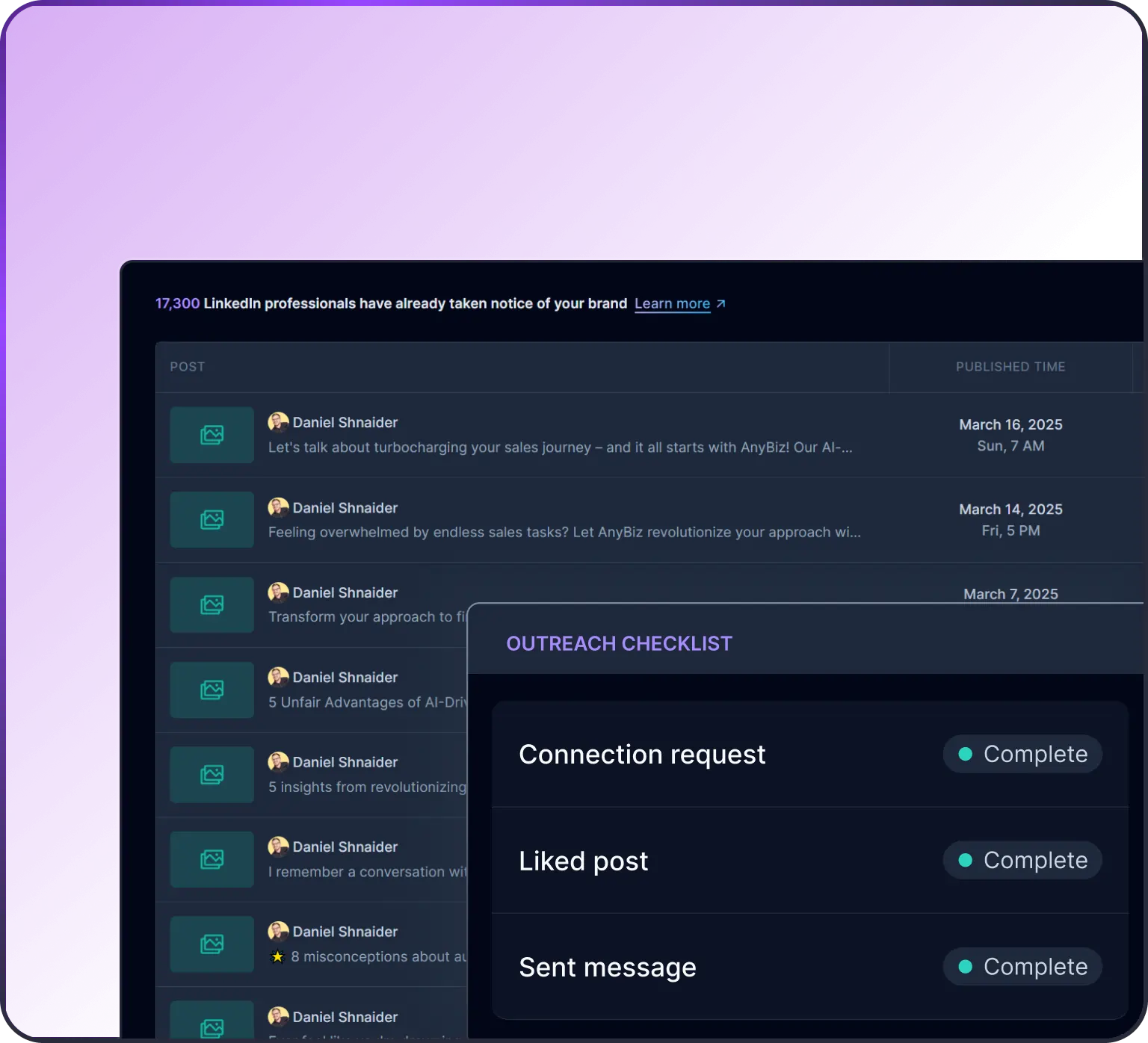
AI is helping content and marketing teams create content faster. They can test ideas quickly and personalize messaging for every customer at scale without adding extra effort.
Software development
Developers use AI to write code, find errors in the code, and speed up testing. This reduces routine work and frees up time for more complex problem-solving. They even get time to creatively think about new ideas.
Healthcare
AI is simplifying administrative pressure in the healthcare industry by automating documentation and record summarization. This ensures that support is provided quickly and more informed decisions are made.
Finance
AI helps in fraud detection and predictive insights. It processes large datasets quickly and improves the speed and accuracy of decision-making.
Legal
AI simplifies document-heavy work like contract analysis and research. This enables legal professionals to focus more on strategy and advisory tasks.
The human side: Skills, adaptation, and anxiety
As the use of AI increases in the workplace, the biggest changes are happening at a human level.
Skills that are becoming essential
- Understanding how AI tools work.
- Prompting and communication clarity.
- Critical thinking and evaluation.
- Creativity and problem-solving.
There’s even a psychological shift happening. When the tasks that you were doing get automated, it can feel like your importance is being reduced. This creates uncertainty, and you might miss the new upcoming opportunities.
Companies are conducting various training programs to educate their employees.
Insight: Productivity now depends on how well humans collaborate with AI, not compete with it.
How to use AI to boost productivity
1. Audit your tasks
The first step that you have to take is to find out how you spend your time in a day or a week. All tasks that you do might not be important. And this is where most people go wrong. They try to use AI everywhere without understanding where it can really help.
Break your work into two categories:
- Repetitive and structured.
- High-value and judgment-driven.
For example, if you’re in marketing, writing five similar email variations manually is repetitive. But deciding the campaign angle or brand voice is a high-value task.
Goal: Identify tasks where AI can save time without compromising quality.
2. Use AI for the first layer
One of the most effective ways to use AI is to let it handle the starting point. The hardest part of many tasks is getting started.
AI works best when you use it for:
- First drafts of content.
- Summaries of long documents.
- Brainstorming ideas.
For example:
- Instead of staring at a blank page, you can ask AI to draft a blog outline.
- Instead of reading a 20-page report, you can get a quick summary first.
- Instead of struggling with ideas, you can generate multiple directions to explore.
But don’t treat AI output as final.
Think of it as a rough draft that you should refine. This keeps your thinking involved and prevents generic results.
3. Build structured workflows
Using AI randomly whenever you feel like it doesn’t create consistent results. What works better is building it into your workflow intentionally.
Instead of asking, “Can AI help here?”, define where it fits.
Take outbound sales as an example. A rep using AnyBiz might build a workflow like this:
- AI identifies and prioritizes target accounts based on ICP criteria.
- AI drafts personalized outreach sequences for each prospect segment.
- The rep reviews messaging, adjusts tone, and approves sends.
- AI tracks responses and surfaces hot leads for follow-up.
The rep isn’t removed from the process. They are freed from the part that used to take hours: research and first-draft writing, so they can focus on actual conversations and deals.
This approach does two things:
- Reduces decision fatigue (you know when to use AI).
- Improves consistency in output.
Take the example of customer support. In this department, AI will draft responses, but a human is required to review and personalize these messages before sending.
Key idea: AI works best as a part of a system rather than a shortcut.
4. Improve your prompts
The quality of AI output depends heavily on how you ask. Vague prompts lead to generic answers. Clear prompts lead to useful results.
Compare this:
“Write a blog about productivity.”
vs.
“Write a 1,000-word blog on workplace productivity in a conversational tone, with examples and actionable insights for managers.”
See the difference? The second prompt produces:
- Context.
- Structure.
- Audience.
- Tone.
You can go further by adding constraints:
- “Avoid generic phrases.”
- “Include real-world examples.”
- “Keep paragraphs short and readable.”
Simple rule: The clearer your thinking, the better AI performs.
5. Measure real impact
This is where most people skip, and it’s the most important step. Just because AI helps you do more, it does not necessarily mean your productivity is improving.
Ask yourself:
- Are you saving time?
- Is the quality of your work improving?
- Do I feel less overloaded?
For example:
- If AI helps you write emails faster but increases the number of emails you send, your workload might grow.
- If AI reduces research time and helps you make better decisions, that’s a real productivity gain.
Focus on outcomes and not mere output.
Quick usage guide
Use AI for | Avoid using AI for |
First drafts | Final decisions |
Summaries | Critical judgment |
Brainstorming | Deep strategic thinking |
Reality check: AI is most powerful when used selectively.
Ready to see this in practice?
AnyBiz puts these workflows to work for B2B sales teams, automating prospecting, personalizing outreach, and surfacing the leads most likely to convert. See how AnyBiz works or book a demo to walk through it with the team.
The dark side of AI productivity
AI introduces new risks alongside its benefits.
Key concerns:
- Workplace surveillance and tracking.
- “Always-on” work culture.
- Data privacy risks.
- Over-dependence on AI.
- Loss of core skills (deskilling).
There’s also a creative concern. When many people use the same AI tools, outputs can start to look awkwardly similar.
Trade-offs to consider
- Faster work vs increased expectations.
- Automation vs skill erosion.
- Efficiency vs originality.
Governments are beginning to implement various regulations. This shows how serious these concerns are becoming.
Insight: Productivity gains from AI come with trade-offs that need active management.
The future of work and productivity
In the future, AI will become more autonomous. For instance, agentic AI will be able to handle complex tasks independently.
What’s coming next
- AI handling complex workflows.
- Humans focus on strategy and creativity.
- New roles like AI auditors and workflow designers.
- Potential shift toward shorter workweeks.
The definition of productivity will continue to evolve.
Final thoughts
AI has made work faster and more efficient. At the same time, it has also made work feel more constant and, at times, overwhelming.
What matters now is not how much you do, but how you choose to work.
Take a moment to reflect:
- What does “productive work” mean for you?
- Are you using AI to simplify your work, or just to increase output?
- Are you focusing on meaningful results, or just staying occupied?
Technology will continue to evolve, and AI will only become more capable. But tools alone don’t define productivity; how you use them does.
If you want to move forward effectively, don’t do more. Focus on doing the right work in a way that truly adds value, with AI supporting you where it makes sense.
Start small. Choose one workflow, introduce AI thoughtfully, and observe the difference it creates.
If you’re ready to take the next step, explore how AnyBiz can help you turn AI into real and measurable results.
FAQ
- Does AI actually improve productivity, or just increase the volume of work?
It depends on how you use it. AI compresses time on repetitive tasks like drafting, summarizing, and researching. But if it just enables you to produce more output without clearer priorities, workload grows without meaningful gains. The key is using AI to do better work, not simply more of it.
- What kinds of tasks should I not delegate to AI?
Anything that requires strategic judgment, nuanced relationship management, or final decision-making should stay human-led. AI handles the starting point well: first drafts, data summaries, idea generation, but the evaluation and direction should come from you.
- Will AI replace jobs, or create new ones?
Both are happening. Roles focused on repetitive execution are shrinking. Roles focused on AI oversight, workflow design, prompt strategy, and creative direction are growing. The practical advice: build skills around working with AI rather than around tasks AI can fully automate.
- How is AI changing outbound sales specifically?
AI now handles the research, account scoring, and first-draft personalization that used to consume hours of a sales rep’s day. Platforms like AnyBiz automate prospecting workflows so reps spend more time in actual conversations with qualified leads and less time building lists or writing cold emails from scratch.
- What is the best way to start using AI at work if I haven’t yet?
Start with one task you do repeatedly , writing status updates, summarizing meeting notes, drafting outreach emails. Use AI for the first draft only. Edit it yourself. After two weeks, check whether you saved time and whether the output quality held. Expand from there.