


TL;DR: Your ramp has four inputs, and since this summer only two of them can
be verified directly by Microsoft. That makes it a measurement problem first, which is why AnyBiz reports outbound in replies, meetings booked, and what each one cost rather than in sends per day. Plan on the limits Microsoft publishes, measure on your own conversion rates, and treat every vendor threshold you read as an estimate until your own pipeline confirms it.
If a new sending domain took longer than expected to produce a meeting this year, you have probably read that Microsoft tightened the screws. Some of that holds up.
Microsoft did change things in 2026, and the direction is more interesting than the headline version. Enforcement did not escalate. Visibility dropped. For an SDR lead building a forecast, that distinction is the whole story, because you can survive a rule you can measure against, and you can’t plan around a number nobody will confirm.
What Microsoft actually changed in 2026
It cancelled the limit it had spent two years announcing
Starting in April 2024, Microsoft told customers that Exchange Online would begin enforcing a Mailbox External Recipient Rate Limit of 2,000 external recipients per mailbox in any rolling 24-hour window. The enforcement date moved repeatedly, from January 2025 to October 2025 to April 2026.
On January 6, 2026, the Exchange team cancelled it indefinitely. In its announcement, Microsoft said customers had reported that the limit created significant operational challenges given the limited bulk sending options available today, and that it would pursue less disruptive approaches.
So the per-mailbox cap that shaped a lot of 2025 outbound planning never arrived. If your ramp assumptions were built around it, they were built around something that doesn’t exist.
It removed the report you would use to check your work
The 2026 changes that did land are all instrumentation. Microsoft moved Smart Network Data Services to a new portal in June, and automated access URLs on the old path were deprecated on June 22, 2026.
Automated links now expire after 30 days, which quietly breaks any scheduled job that’s built on the old ones.
Then on July 22, 2026, spam trap hit counts stopped appearing in the SNDS Data Report altogether. Microsoft described the removal as part of protecting the integrity and effectiveness of its anti-abuse systems.
Around the same window, JMRP complaint reports were trimmed to headers only, with the message body stripped and complaint sample downloads discontinued.
Trap hits were the bluntest warning a sender had. A pristine trap hit meant your acquisition was broken. A recycled one meant your data was stale. Both are now invisible in Microsoft first-party reporting.
What was already true, and stayed true
Two of the constraints most often described as new are neither new nor 2026.
The 550 5.7.515 rejection dates to May 5, 2025. Microsoft announced it in April of that year, originally planning to route non-compliant mail to Junk, then changed course on April 29 and switched to outright rejection.
It applies once a domain sends 5,000 or more messages a day to Microsoft consumer mailboxes, and it fires when SPF, DKIM, and DMARC don’t pass and align.
Because the refusal happens at the SMTP envelope, the message never reaches a mailbox, which means a recipient safelist entry has nothing to act on.
The other published ceilings have been stable. Exchange Online enforces a recipient rate limit of 10,000 recipients per mailbox per rolling 24 hours. The Tenant External Recipient Rate Limit caps external recipients at the tenant level and scales with license count, returning a 550 5.7.233 bounce when exceeded, with trial tenants defaulting to 5,000 external recipients a day.
And if you are still sending from an onmicrosoft.com domain, Microsoft limits you to 100 external recipients per organization per 24 hours.
That last one catches more new outbound teams than any threshold on a vendor blog. Spin up a tenant, start sending before the custom domain is attached, and the ceiling is a hundred people a day.
The ramp math you can actually defend
Your ramp has four inputs, and after July 2026 you can verify fewer of them from Microsoft than you could before.
Input | Where the number comes from | Can you verify it? |
|---|---|---|
Published sending ceilings | Microsoft service descriptions | Yes. Documented and stable. |
Authentication pass or fail | Your own bounce logs | Yes. A 5.7.515 is unambiguous. |
Trap hits and complaint detail | Previously SNDS and JMRP | No longer, since June and July 2026. |
Safe daily volume for a new domain | Vendor estimates | No. Not published by Microsoft. |
Two of four are solid. One went dark this summer. One was never confirmed to begin with. A ramp plan that depends on the bottom two is a plan built on other people’s marketing material.
So invert it. Stop modeling emails per day and model weeks to first meeting, using the only data nobody can take away from you, which is your own reply and booking rate.
Take your contacts per week, apply your historical reply rate, apply your reply-to-meeting rate, and you get meetings per week per domain.
Divide your ramp period by that, and you have weeks to the first meeting. Multiply your infrastructure and tooling spend across that window and you have cost per meeting during ramp, which is the number that belongs in the pipeline review.
Run it with your own conversion rates. If you don’t have them yet, that gap is the first thing worth fixing, because every ramp estimate you make until then is somebody else’s guess dressed up as your forecast.
What actually shortens the ramp
- Fewer domains, properly configured. SPF, DKIM, and DMARC passing and aligned on every one of them removes the single failure mode that is genuinely documented and genuinely permanent.
- Verified lists before volume, every time. Bounces and complaints are the inputs you still control, and they matter more now that trap hits no longer warn you when your data has gone stale.
- Volume that matches your follow-up capacity. If your team can’t work the replies from 200 contacts a week, sending 600 doesn’t shorten anything.
- Channels that don’t depend on a warming domain. Email ramp time is a property of email. A prospect reached on LinkedIn or by phone during week two is a meeting that did not wait for DNS to settle.
That last point is where a lot of outbound plans quietly lose weeks. The ramp is treated as dead time, when it’s mostly just email dead time.
Where to start this week
Pull your own numbers first. Reply rate, reply-to-meeting rate, and current bounce rate per domain. Those three make every other estimate in this article checkable against your own pipeline instead of somebody else’s blog post.
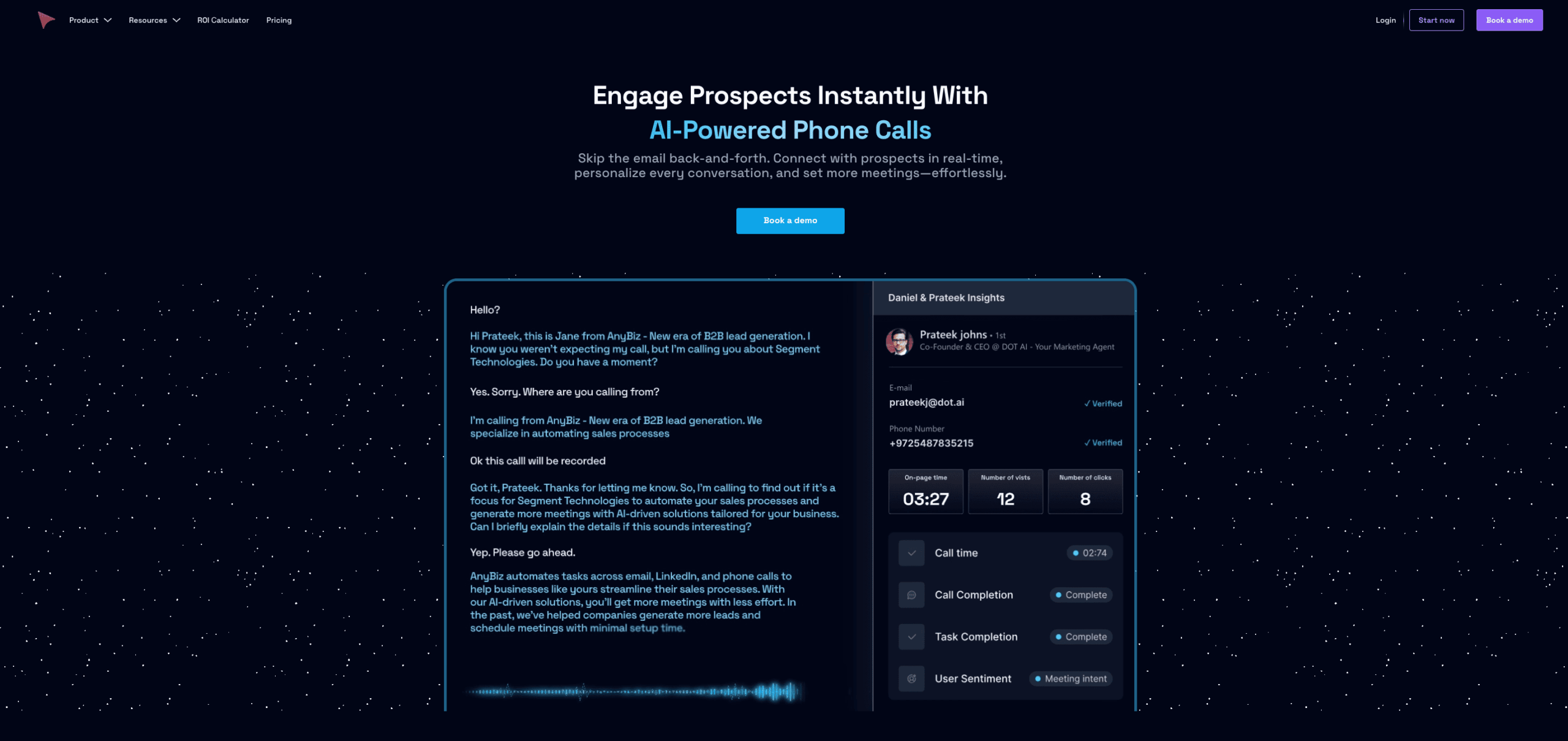
AnyBiz runs outbound across email, LinkedIn, and AI calls from a single agent, which is the practical reason a ramping domain doesn’t have to mean a ramping pipeline.
The AI handles the daily sending and the sequencing, and the reporting stays in terms your forecast understands: replies, meetings, and what each one costs.
Start with your own conversion data, then decide how many domains you actually need. It’s usually fewer than the vendor selling you inboxes suggests.
FAQ
1. Did Microsoft tighten its sending limits in 2026?
Not the way most coverage suggests. On January 6, 2026, Microsoft cancelled the Mailbox External Recipient Rate Limit it had been announcing since April 2024, saying customers reported significant operational challenges. What did change in
2026 was monitoring, not enforcement.
2. What is the 550 5.7.515 error?
It’s a permanent rejection from Microsoft consumer mailboxes, returned when a sending domain fails authentication. It applies once you send 5,000 or more
messages a day to those mailboxes and SPF, DKIM, and DMARC don’t pass and align. Microsoft has enforced it since May 5, 2025, so it isn’t a 2026 change.
Because the refusal happens at the SMTP envelope, the message never reaches a mailbox, which means a recipient safelist entry has nothing to act on.
3. Why did spam trap hits disappear from SNDS?
Microsoft removed trap hit counts from the SNDS Data Report on July 22, 2026, describing it as part of protecting the integrity and effectiveness of its anti-abuse systems.
Automated access URLs on the old SNDS path were also deprecated on June 22, 2026, and automated links now expire after 30 days.
4. How many emails can I send per day from Microsoft 365?
Exchange Online caps each mailbox at 10,000 recipients per rolling 24 hours.
At the tenant level, the Tenant External Recipient Rate Limit scales with your license count and returns a 550 5.7.233 bounce when exceeded, with trial tenants defaulting to 5,000 external recipients a day.
If you’re still on an onmicrosoft.com domain, the ceiling drops to 100 external recipients for the whole organization per 24 hours.
5. Should I run more sending domains or fewer?
Fewer, configured properly. Every additional domain multiplies the surface where
SPF, DKIM, and DMARC can silently fall out of alignment, and that’s the one failure mode Microsoft documents and enforces permanently through the 550 5.7.515 rejection.
It also multiplies what you have to monitor at a moment when Microsoft has removed trap hit data from SNDS, so the errors take longer to surface.